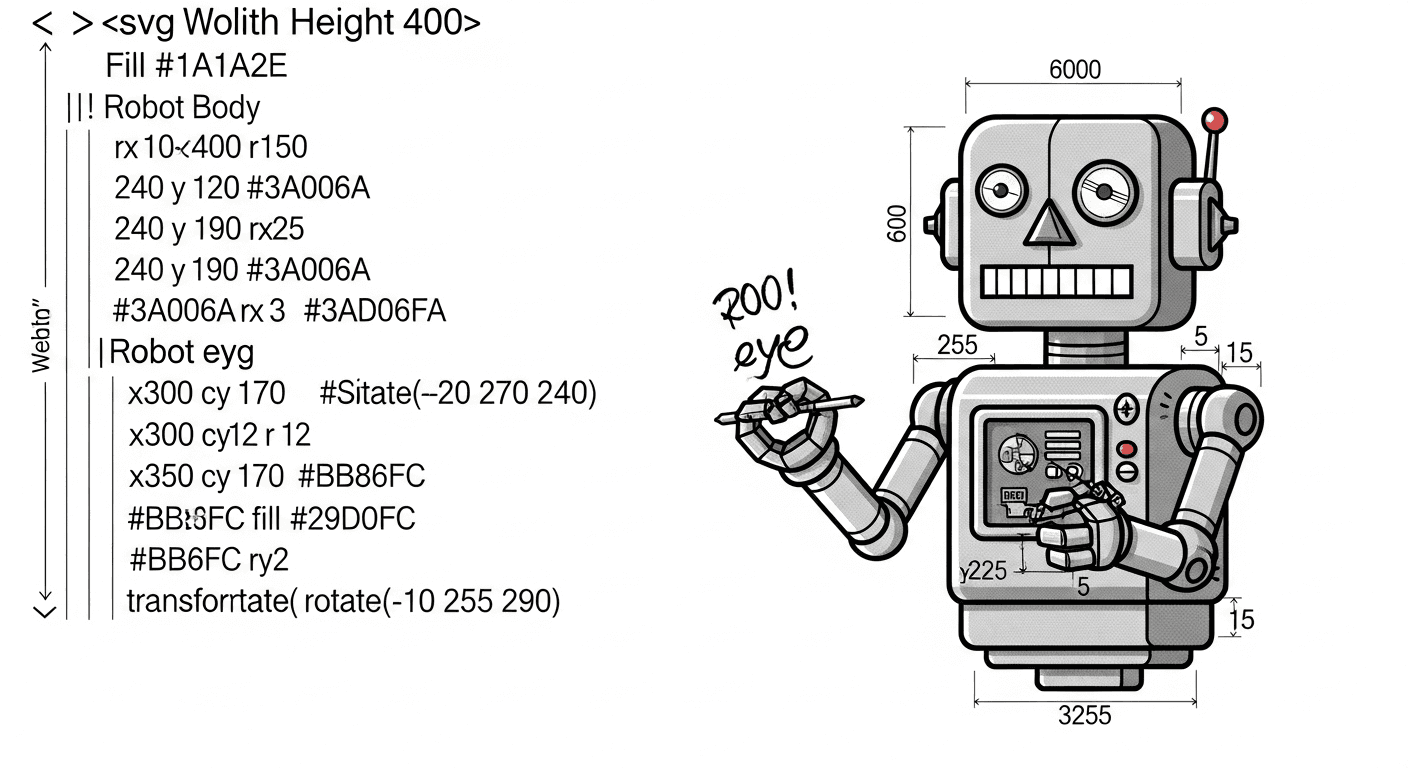
I built a custom claude code skill that turns writing blog posts from a 30-minute chore into a 30-second command
The Problem
Every time I wanted to write about a project, I'd go through the same tedious steps:
- find screenshots in the project folder
- copy them to the blog assets directory
- create a new mdx file with the right frontmatter
- write the content
- remember the correct category and tag format
- commit everything
- start the dev server to preview
It's not hard. But it's friction. And friction kills momentum
Claude Code Skills 101
Skills live in ~/.claude/skills/ as markdown files. Each file defines a slash command that claude code can execute. The structure is simple:
~/.claude/├── CLAUDE.md # global instructions└── skills/├── blog.md # /blog command├── rewrite.md # /rewrite command├── tweet.md # /tweet command└── commit.md # /commit command
When you type /blog in claude code, it loads the corresponding skill file and follows the instructions
Anatomy of a Skill
Here's the structure of my blog skill:
# Blog Post SkillCreate a new blog post for jovweb.dev about a project or topic.## Usage/blog [project-folder-or-topic]## Arguments- $ARGUMENTS: path to a project folder or a topic to write about## Instructions### 1. Determine the Subject- Parse $ARGUMENTS to get the project folder or topic- If a folder path is provided, explore it to understand:- What the project does (check README, package.json, main source files)- Key features and technologies used- Any screenshots or images in the repo### 2. Find Images- Search the project folder for potential cover images:- Look in: `/public`, `/assets`, `/images`, `/screenshots`- File types: `.png`, `.jpg`, `.jpeg`, `.webp`, `.gif`- Copy the best image to `/path/to/blog/public/assets/blog/`### 3. Write the Blog Post Content- Create an outline based on:- What problem does this project solve?- How does it work?- Key features or interesting technical decisions- Use the `/rewrite` skill to convert to personal style### 4. Create the MDX File- Location: `/path/to/blog/content/blog/`- Filename: kebab-case based on topic- Include frontmatter with title, description, date, category, tags
The key thing here is $ARGUMENTS. This is how you pass input to a skill. Whatever comes after /blog gets injected there
Chaining Skills Together
The blog skill calls another skill: /rewrite. This converts my drafts into my writing style
# Rewrite Skill## Instructions1. Parse the text from $ARGUMENTS2. Rewrite using the style guide below3. Show the rewritten version## Style Guide- start with lowercase- use "I" not "I"- no ending punctuation- short, direct sentences- stream of consciousness flow
Skills calling skills. It's composable automation
The Execution Flow
When I run /blog ~/Sites/hyperscalper:
1. Claude code loads ~/.claude/skills/blog.md2. $ARGUMENTS = "~/Sites/hyperscalper"3. Claude explores the folder:- reads README.md- checks package.json for dependencies- scans src/ for main functionality4. Finds images in ~/Sites/hyperscalper/public/5. Copies best image to blog assets6. Drafts the post content7. Calls /rewrite to apply my style8. Creates content/blog/building-hyperscalper.mdx9. Runs: git add . && git commit -m "add hyperscalper blog post"10. Runs: npm run dev (if not running)11. Opens http://localhost:3000/blog/building-hyperscalper
All from one command
The MDX Output
The skill knows exactly what frontmatter my blog needs:
---Title: "Building Hyperscalper"Description: "a real-time trading dashboard for crypto markets"PublishedAt: "2026-01-13"Author: "Jo Vinkenroye"Category: "Development"Tags: ["Trading", "Crypto", "Real-time", "Next.js"]CoverImage: "/assets/blog/hyperscalper-cover.png"Featured: false---
Categories, tags, image paths. All defined in the skill so I don't have to remember
The Meta Part
This post was written using the skill I'm writing about. /blog about the blog skill :D
Building Your Own
Start simple. Create ~/.claude/skills/your-skill.md with:
# Your Skill NameDescription of what it does.## Usage/your-skill [arguments]## Instructions1. First step2. Second step3. ...
Think about what you do repeatedly:
- reviewing prs →
/reviewskill with your checklist - setting up projects →
/initskill with your preferred stack - writing docs →
/docsskill with your format - posting updates →
/tweetskill with your voice
The Stack
My blog runs on next.js 14 with mdx. Posts are just files:
Content/blog/├── automating-blog-posts.mdx├── building-hyperscalper.mdx└── ...
No database. No cms. Just markdown and git. The skill writes directly to the repo
What's Next
I'm thinking about adding:
/imagenintegration for auto-generating cover images- pulling in relevant code snippets automatically
- cross-posting to dev.to with
/crosspost
But for now, it's already saving me time and—more importantly—removing the friction that stopped me from writing in the first place
Stay Updated
Get notified about new posts on automation, productivity tips, indie hacking, and web3.
No spam, ever. Unsubscribe anytime.